Make an Avatar Readable as a Small Profile Thumbnail
A detailed avatar portrait can lose its identity when reduced to a small crop. Test the intended display context, simplify the framing and keep essential features away from vulnerable edges.
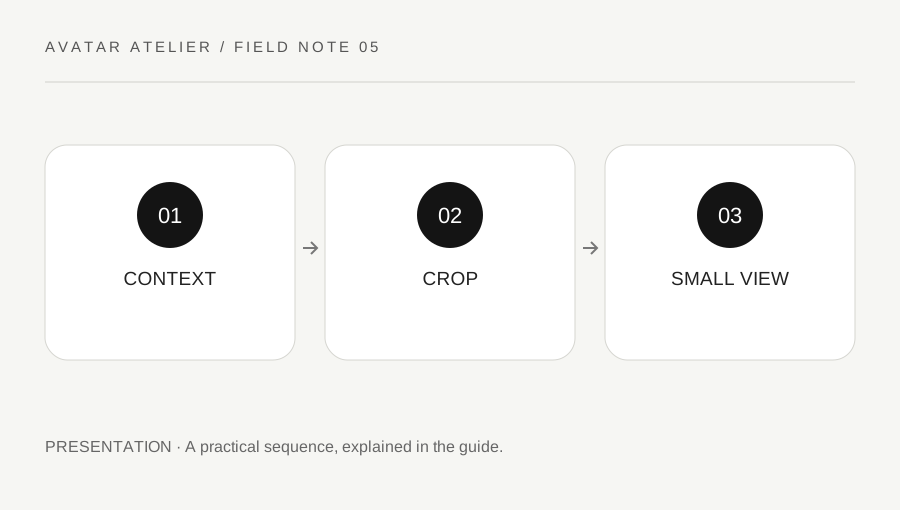
Original explanatory diagram. Examples illustrate a method or decision; they are not claims of personal testing.
Identify the real thumbnail destination
Check the current destination's crop shape, supported image type and display requirements through its official instructions. A square upload may be displayed in a circle or another crop, and a large file preview does not show the ordinary viewing size. Do not assume one platform's profile layout applies everywhere.
Choose a permitted image of your own avatar or an asset you are authorized to use. Keep the master image separate from the small delivery copy. This guide concerns presentation of the character rather than background removal or a general file-conversion tutorial. The key question is what remains recognizable at the intended size.
Choose one clear visual priority
Decide whether the face, silhouette, color relationship or a signature accessory carries the identity. Frame around that priority rather than trying to include every detail from the full model. A busy background or several tiny props can compete with the character at small size. Keep intentional style and readability as separate review questions.
Leave suitable space around important features for the actual crop. Do not place the eyes or a defining accessory exactly on an edge that may be removed. Use a neutral presentation first so you can judge the character without a dramatic effect doing all the work. A readable thumbnail does not require erasing every detail, but it benefits from a clear hierarchy.
Make a full-view and small-view comparison
Imagine a portrait includes the avatar's full upper body and several accessories. At ordinary small profile size, the face becomes unclear. The creator makes another permitted crop emphasizing the face and one defining feature, then compares both in the actual intended shape and size.
They do not judge only an enlarged editor preview. They also check whether a circular mask removes part of the defining feature. This is an illustrative art-direction exercise, not a tested algorithm for increasing engagement. A useful thumbnail should communicate the chosen identity clearly rather than promise clicks or a particular audience response.
Keep the image honest and permitted
Do not use another creator's portrait, platform badge or mark in a way that falsely implies affiliation or ownership. Keep required credits and license conditions in the appropriate project record or publication context. A profile crop does not create new rights to the underlying model or artwork.
Review the final saved image for unintended text, private interface details or a watermark belonging to a preview asset. Check it in the destination where appropriate and retain the accepted master. A useful thumbnail process gives you a deliberate small presentation and a clear source, with any untested destinations left unclaimed rather than described as universally optimized.
Keep a small set of purposeful variants
If you need several platform crops, label them by destination and purpose rather than creating dozens of nearly identical files. Keep one checked source and record which variant was actually used. A later avatar change may make an old profile image misleading, so review it when the character's defining features change. This is a manageable presentation habit, not a requirement to constantly redesign the avatar or chase a presumed engagement formula.
Compare the thumbnail on the actual light and dark surrounding interface where available. An edge that separates clearly on one background may merge on another. Do not add an unsupported badge or mark to force recognition. A simple permitted outline or crop decision can be explored in the authoring workflow, then checked at normal size. Keep the accepted version identified so an older export is not uploaded accidentally.
A practical checklist
Choices are saved in this browser. Reset them here or clear this site’s browser storage.
Questions that come up
Does a large sharp portrait guarantee a clear thumbnail?
No. Test the actual small display and crop, where details and edges may behave differently.
Will a thumbnail guarantee more engagement?
No. This is a readability and presentation exercise, not a traffic forecast.
Can a crop remove the need for asset permission?
No. Rights in the underlying model or artwork still matter.
References & scope
Background references checked on 18 October 2026. Worked examples and diagrams are original teaching material.