Review Avatar Hair Through a Small Head-Motion Sequence
Hair can look finished in a still pose and intersect the face during movement. Use a short repeatable review and the target platform’s supported systems rather than guessing from one attractive screenshot.
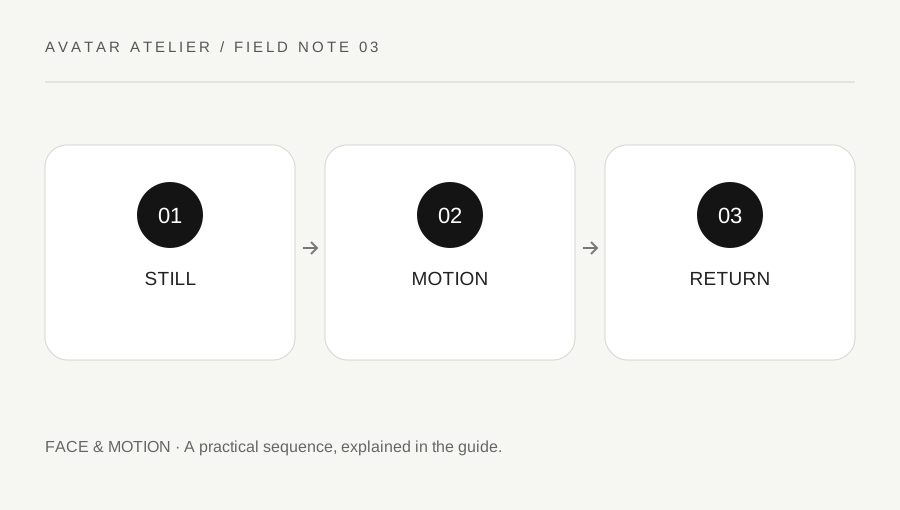
Original explanatory diagram. Examples illustrate a method or decision; they are not claims of personal testing.
Record the hair setup and destination
Identify whether the hair is part of the base model, a separate permitted component or an asset with its own license. Read the current target-platform rules for the components and motion systems you intend to use. Do not assume a motion feature from one viewer is supported identically elsewhere.
Keep a neutral still reference with the face visible from several useful angles. Note where hair intentionally overlaps and where an intersection is unwanted. A stylistic fringe is different from a strand unexpectedly entering the eye or mouth. The review needs a clear design intention so technical changes do not erase the character's intended appearance.
Choose a short representative motion set
Use supported ordinary head turns, small tilts and a return to neutral. Add the body actions relevant to the avatar's intended use, without treating an extreme unsupported pose as the only quality test. Keep the camera and lighting consistent enough that changes can be compared. Record the motion that produces a problem.
Inspect the face, shoulders and nearby accessories. A component can be clear in one turn and intersect at another. Avoid changing several motion settings at once without a record. Where the platform offers collision or spring behavior, follow its actual documentation and limits rather than copying a number from an unrelated avatar.
Work through a return-to-neutral issue
Imagine the hair looks correct when the avatar starts still, but an ordinary turn leaves a section visibly inside the shoulder before it settles. The creator records the sequence and the target runtime, then reviews the supported setup. They do not assume the solution is simply a larger arbitrary collider or a higher simulation value.
After a justified change, they repeat the same motion and inspect the still reference too. A correction that prevents one intersection can create another visual or performance issue. This is an illustrative review process, not a measured test of a specific physics system or a promise that one setting fixes every hair asset.
Include performance and compatibility in the result
Check the destination's current performance guidance for the components used. VRChat's ranking documentation provides a general component-based guide and explains that it is not a complete authority on real performance. Do not use a visual improvement as proof that every device will handle the avatar well.
Test an appropriate exported build in the intended environment where authorized. Keep the source version, motion notes and license record connected. If a feature is unsupported or untested on another platform, say so. A useful hair review balances intended appearance, ordinary motion and target constraints without promising identical behavior across every runtime.
Keep a minimal regression sequence
Retain the few movements that exposed the original issue so they can be repeated after later edits. A new accessory, shoulder shape or export change can affect the same area. You do not need a huge animation library to make the check useful. A small known sequence with a clear expected result is easier to maintain and more informative than collecting many screenshots whose starting conditions differ. Label it as a project review aid rather than a universal certification of the model.
If glasses, a hat or another optional component is part of the intended look, repeat the relevant motion with that combination. Keep the optional state clearly labelled rather than assuming the bare-head test covers it. A new component can create an interaction even when neither asset has changed independently. Test only the combinations you intend to support and include their known limits in the project handoff.
A practical checklist
Choices are saved in this browser. Reset them here or clear this site’s browser storage.
Questions that come up
Does one still screenshot prove the hair is finished?
No. Test ordinary supported motion and the return to neutral in the intended runtime.
Can I copy simulation numbers from another avatar?
Do not assume they fit. Use the actual component and target guidance and a controlled comparison.
Is a performance rank the complete result?
No. Treat it as a guide and test the intended environment appropriately.
References & scope
Background references checked on 18 October 2026. Worked examples and diagrams are original teaching material.