Build an Avatar Expression Review with Neutral and Combined States
An expression can look good alone and break when it overlaps another control. Review neutral, individual and combined states in the actual target workflow before calling the face finished.
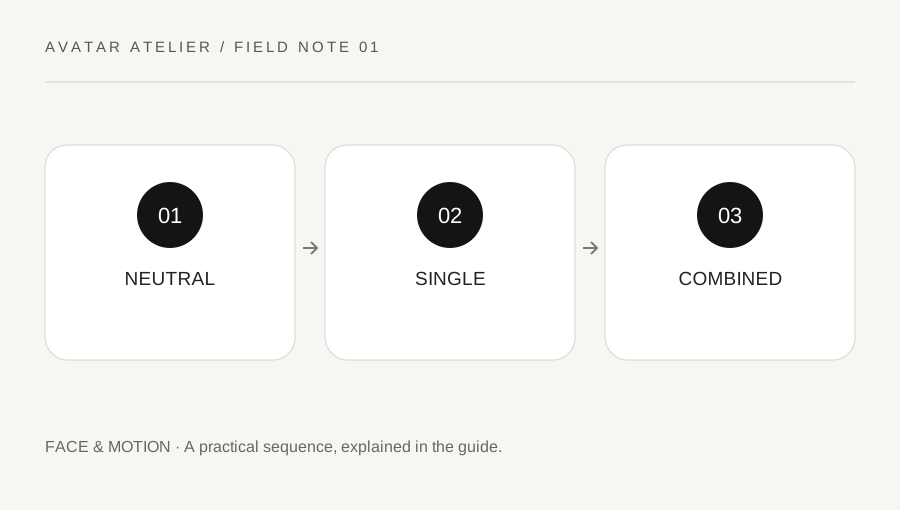
Original explanatory diagram. Examples illustrate a method or decision; they are not claims of personal testing.
Define the target and the review set
Record the avatar format, authoring tool and destination application. Expression naming and behavior can differ between systems and versions. VRM's documentation, for example, distinguishes its expression structure and preset changes rather than treating every older blend-shape convention as identical. Use the current documentation for the actual target.
Choose a small meaningful review set: neutral, several intended emotions, eye closure and ordinary mouth activity where supported. Do not add every imaginable state merely to make the checklist look comprehensive. The goal is to verify the features you intend to provide and identify interactions that matter in the destination.
Inspect one state before combinations
Use a consistent camera and lighting arrangement so the face can be compared fairly. Check the mouth corners, eyelids, brows and any visible teeth or interior surfaces. Look for clipping, unexpected deformation and a feature that moves in an unintended way. Keep the neutral reference available rather than relying on memory of how the model looked before the control changed.
Record a specific observation and the state that produces it. A note such as upper eyelid intersects during the intended smile is more useful than face looks wrong. Avoid changing several shapes or bindings at once unless the system requires a linked correction. A small reproducible problem is easier to revise and verify.
Test the combinations the avatar will use
Combine supported features through the actual application, such as a smile while blinking or mouth activity with an intended emotion. Read the format and application guidance for overrides or interactions. Do not assume two controls simply add without priority or exclusion behavior. A face that works in the authoring preview may behave differently in another runtime.
Imagine a model whose smile looks clean alone but intersects the cheek when an eye closure is added. The creator records the combination and adjusts the relevant authored feature or supported setup, then retests the single state and combination. This is an illustrative review, not a claim about a specific asset or a universal corrective setting.
Keep changes and permissions traceable
Work in a versioned copy and retain the accepted neutral reference. If the model or expression comes from another creator, check the permission to modify and redistribute it before changing the asset. Access to an editable file is not blanket permission for every use. Keep credits and license information with the project record.
Use the actual exported avatar in the destination for the final check where permitted. Do not describe a good authoring preview as a complete runtime test. Record the application and version used, and label untested states honestly. The useful outcome is a clear tested feature set rather than an impressive list of expressions whose combinations have never been inspected.
Review expression readability at normal size
A close-up can reveal technical intersections while hiding whether the expression communicates at ordinary viewing distance. Check both. Do not exaggerate every feature solely because it looks subtle in a tiny preview; the intended style and viewing context matter. Keep a small set of accepted reference images and note their purpose. This gives future revisions a stable comparison without turning the review into a claim that one face style is universally expressive or appropriate for every platform.
Add a front and a slight oblique review for the same state. A mouth corner or eyelid intersection can be hidden from one angle, while a deliberate asymmetry may be part of the design. Keep the state and camera labels together. This makes the reference useful when a later revision changes the face rather than leaving a folder of attractive but unrepeatable screenshots.
A practical checklist
Choices are saved in this browser. Reset them here or clear this site’s browser storage.
Questions that come up
Does a clean smile preview prove every combination works?
No. Test supported eye, mouth and emotion combinations in the destination workflow.
Are older blend-shape conventions identical in every format?
No. Read the current format and application documentation.
Can I modify any avatar file I can open?
Check the actual permission and license before editing or redistributing another creator’s work.
References & scope
Background references checked on 18 October 2026. Worked examples and diagrams are original teaching material.