Check an Avatar Export with a Small Known Regression Set
A successful export only proves a file was created. Reopen the delivered build and repeat a few known checks so a late change does not silently break an earlier accepted feature.
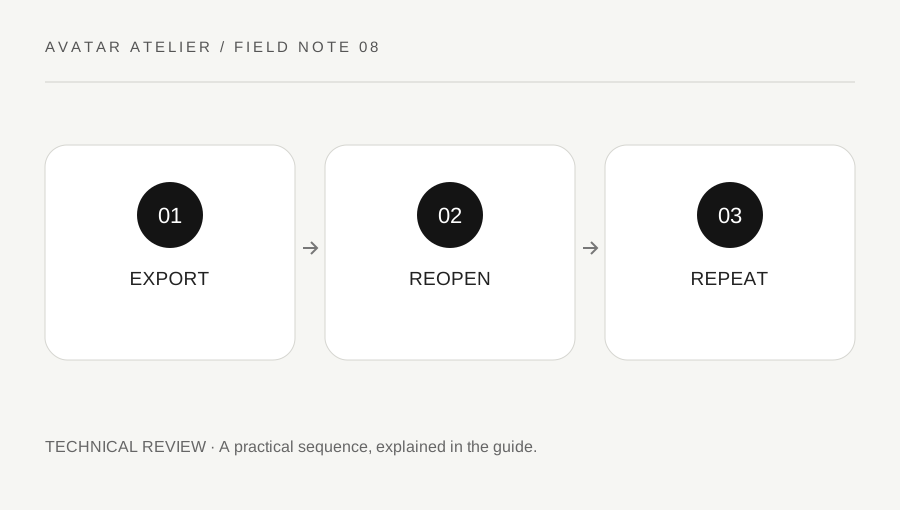
Original explanatory diagram. Examples illustrate a method or decision; they are not claims of personal testing.
Keep the source and output identity clear
Record the source project version, export format and relevant tool version. Give the output a clear name without embedding private account data. Avoid overwriting the only accepted build while testing a revision. A folder containing several files called final does not provide a reliable record of what was actually reviewed.
Read the current target export and import instructions, especially if the format or application has changed. VRM's documentation distinguishes versions and related feature behavior, while Roblox provides target-specific testing workflows. Do not assume every old tutorial's component name or conversion step remains appropriate for the current project.
Choose a small known check set
Use the ordinary states most important to the avatar: neutral appearance, a representative expression, a head turn, a relevant accessory movement and the intended material view, for example. Include the state that previously exposed a problem. Keep the set compact enough to run after a meaningful change rather than making a checklist nobody repeats.
Define what should remain true in each state. A specific expected attachment or clean eye closure is more useful than a broad label saying looks good. Keep style decisions separate from technical failures. The regression set should protect the intended design while revealing a change, not freeze every creative choice forever.
Reopen the actual delivered output
Import or open the exported file through an authorized supported test route and verify that it is the intended version. Do not test the source project and assume that proves the output. Check materials, expressions, attachments and ordinary motion within the destination's actual support.
Imagine an accessory correction is made late in the project. The new export fixes the attachment but unexpectedly changes an expression setup. The small known set reveals the regression before publication. The creator revises the relevant supported setup and repeats both checks. This is an illustrative workflow, not a claim that every exporter produces that problem.
Record tested and untested scope honestly
Write the destination, version, states and any unresolved limitation. If a platform has not been checked, say so. Do not claim full portability or publication approval from one successful import. Keep license, permission and attribution information connected to the actual delivered components.
Use the target's validation process where required and do not bypass a failed check. A useful export review gives another authorized user a known build and a clear account of what was tested. It reduces avoidable surprises without promising that every application, animation or future update will preserve identical behavior.
Retain a reproducible correction path
Keep the working source and a concise change note where you are entitled to retain them. If a problem appears later, identify the build and failing state before making another revision. Avoid patching an uncertain copy and losing track of which asset was delivered. A small version record plus a repeatable test set can make a correction concrete and reviewable, with the accepted build distinguished from experiments rather than buried among several similarly named exports.
Inspect the exported metadata and permitted-use information through the supported workflow where relevant. A visual test can pass while the delivered file carries an outdated author or license reference. Do not replace another creator’s information with your own simply because you made a modification. Keep the actual permission chain and required credits accurate, and ask the responsible rights holder when the intended delivery goes beyond what was agreed.
A practical checklist
Choices are saved in this browser. Reset them here or clear this site’s browser storage.
Questions that come up
Does exporting successfully prove the avatar works?
No. Reopen the actual output in a supported destination and inspect the intended states.
Must every possible animation be tested?
Choose a meaningful maintainable set and state its limits. Do not claim untested behavior is verified.
Can a source preview replace output review?
No. Export and import can introduce differences that only the delivered build reveals.
References & scope
Background references checked on 18 October 2026. Worked examples and diagrams are original teaching material.